
Create or use a wallet for the cryptocurrency you want to receive.
Go to the official unMineable site and download the Windows 10/11 x64 unMiner application.
Windows Defender or antivirus software may flag mining software as a false positive. If this happens, make sure you downloaded the miner from the legitimate unMineable source before allowing it to run.
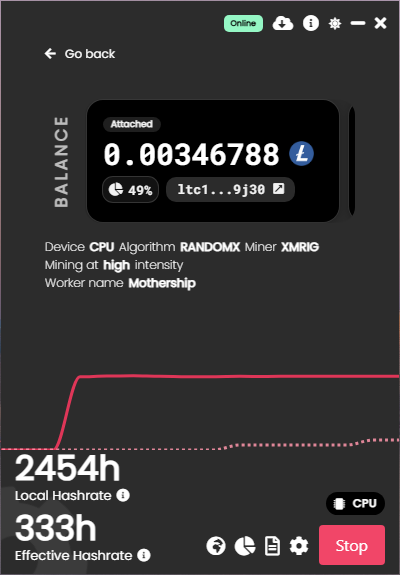
Inside unMiner:
MYMINER-PCIf you log into your Unmineable account you can adjust what Coin you want to get paid out in.
Click Start Mining.
Your computer will begin mining while unMineable converts the mining rewards into the cryptocurrency you selected.
Open your unMineable account/dashboard to see:
Open PowerMovesCollective.com on your Android phone.
Go to the TOOLS section on the website.
Or find alternate link on github
Open the downloaded APK.
If Android asks you to allow installation from that source:
Open the Android mining application after installation.
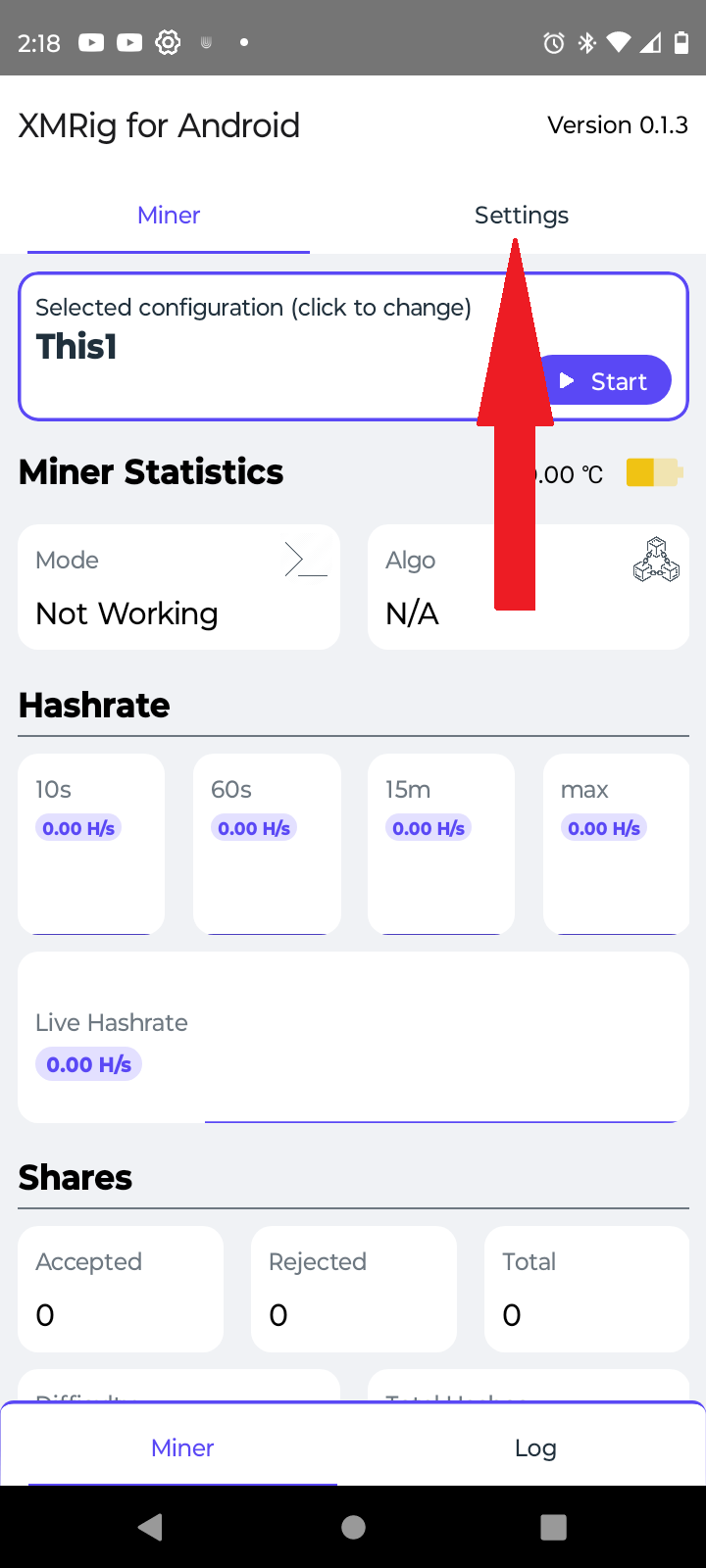
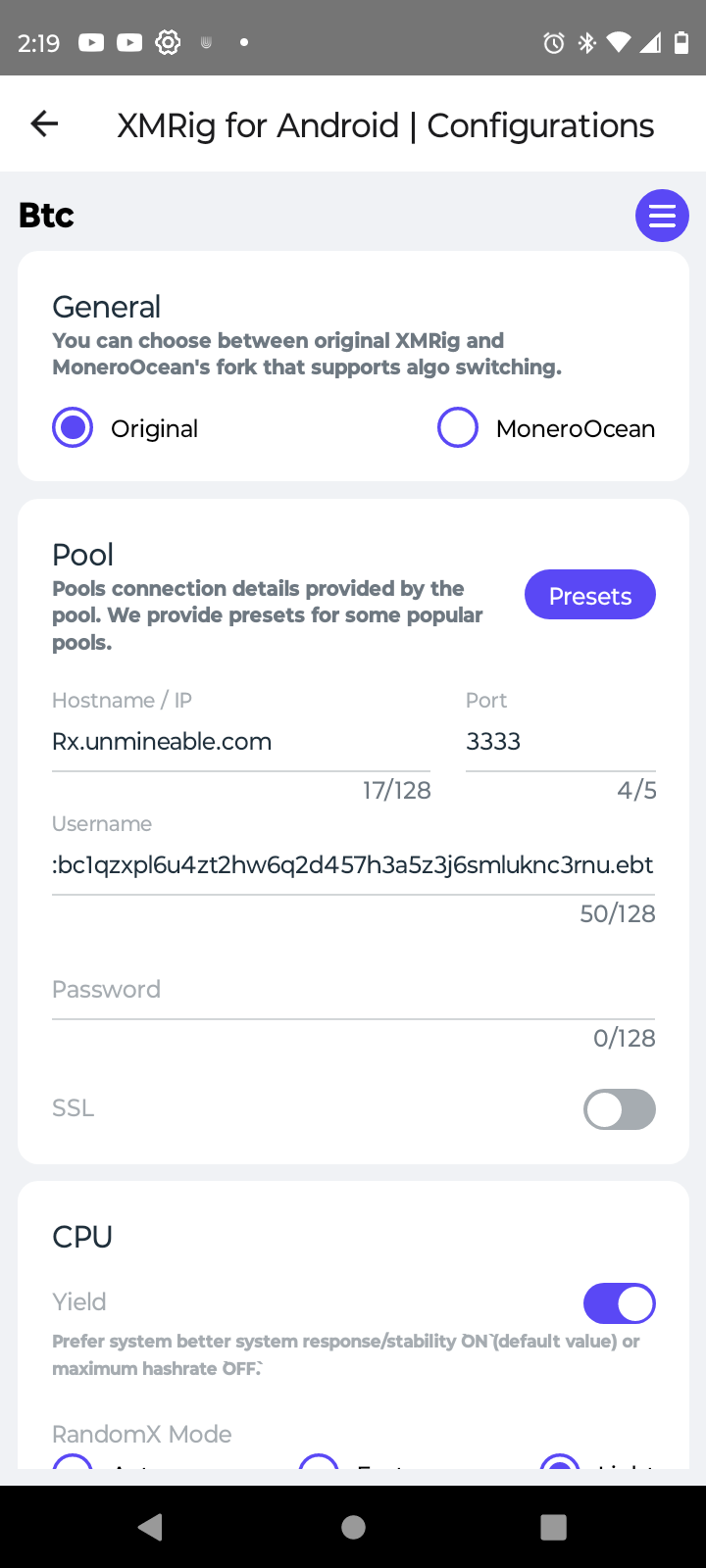
Enter the mining information required by the app:
Tap Start Mining.
Your Android device will begin mining.
The app will display your mining information, such as:
Continue mining until you reach the applicable payout requirement.
Your rewards will be sent to the wallet address you entered.

